
Contacts
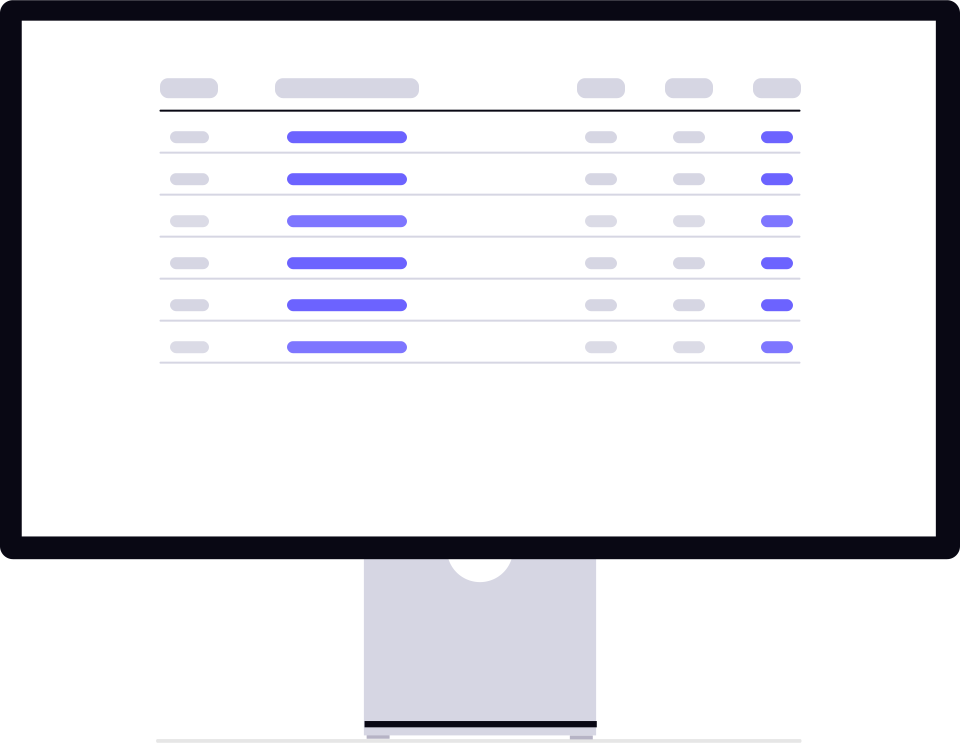
Contacts are the foundation of Booked55. Every prospect, client, and referral is stored as a contact record with detailed information, conversation history, and a timeline of interactions. The Contacts page is your central hub for managing relationships.
Watch the walkthrough
Watch the walkthrough
Contacts list
The main Contacts page displays a paginated table of all contacts in your workspace. Each row shows the contact's name, email, phone, company, creation date, and quick-action buttons.
Key capabilities:
- Search — Type two or more characters to search by name, email, phone, or company.
- Sort — Sort by created date, updated date, or name (ascending or descending).
- Pagination — Choose page sizes of 10, 25, 50, or 100 records.
- Selection — Select individual contacts or use “Select All” to pick every contact matching your current filters.
Filtering contacts
Narrow down your contact list using the filter bar:
- Client status — Show all contacts, only clients, or only non-clients.
- Pipeline — Filter to contacts in a specific pipeline.
- Stage — Filter by pipeline stage.
- Event — Show contacts linked to a specific event.
- Missing data — Find contacts missing an email or phone number.
Row actions
Each contact row has quick-action buttons:
- Change pipeline — Assign the contact to a different pipeline or add them to one. See Pipeline & Event Assignment.
- Change event — Link the contact to an event.
- Delete — Remove the contact (with confirmation prompt).
In this section
- Creating Contacts — Add contacts manually or via the creation wizard.
- Contact Detail — Explore the knowledge, conversations, timeline, and AI todo tabs.
- Search, Filter & Sort — Advanced filtering techniques.
- CSV Import — Bulk-import contacts from a spreadsheet.
- Bulk Actions & Campaigns — Select multiple contacts and send campaigns.
- Pipeline & Event Assignment — Assign contacts to pipelines and events.
Ready to get started?
Create your free Booked55 account and start managing your sales pipeline in minutes.